
Your Ideal Thermal Paper Business Partner
- Many years of paper slitting machine experience
- Trusted by world top corporation
- Profession sales and technical team
- One stop fully business service


Leading thermal paper slitting machine manufacturer
Jota Machinery dedicated in doing thermal paper slitting business more than 10 year.
Through our efforts, we have become partners of many well-known companies, nearly each country have our paper slitting machine, paper core cutting machine, paper core making machine etc.
We not only provide customized service but also provide fully service for freshman whom want to do thermal paper business. You can contact us for more professional suggestions.

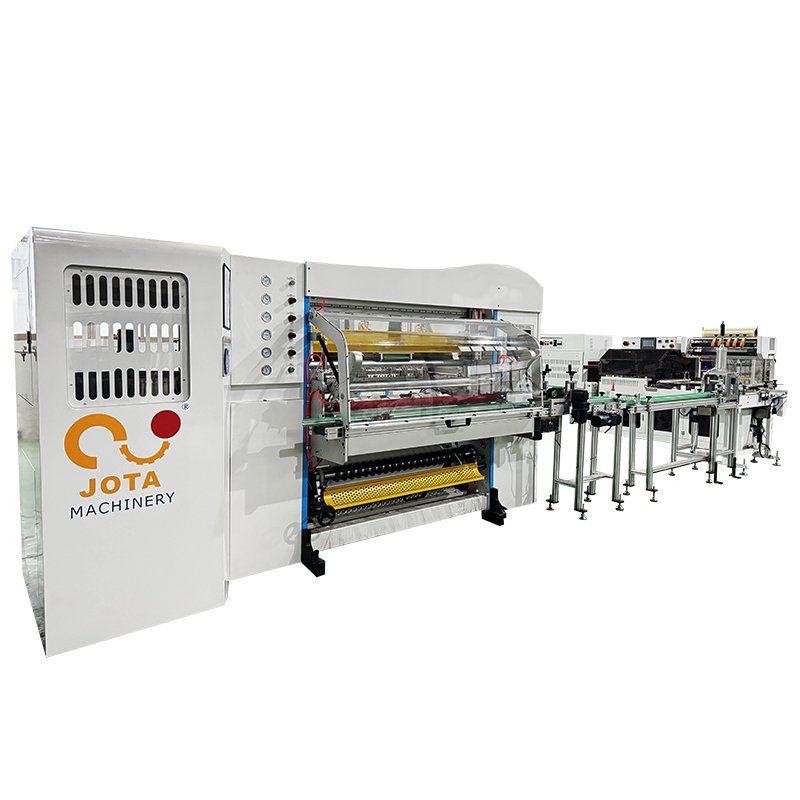


Visable Slitting Machine Quality


Our machine adopts the famous brand of PLC, Electronic parts, cylinder, bearing etc. to ensure the machine running quality.
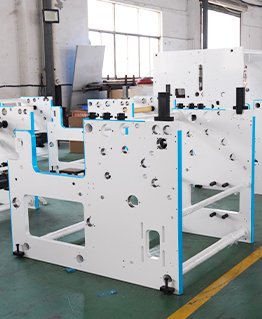
Not only have good configuration but also machine wall is also thickness than others . 45 mm can let you run the machine at high speed.
Jota Machinery's Project
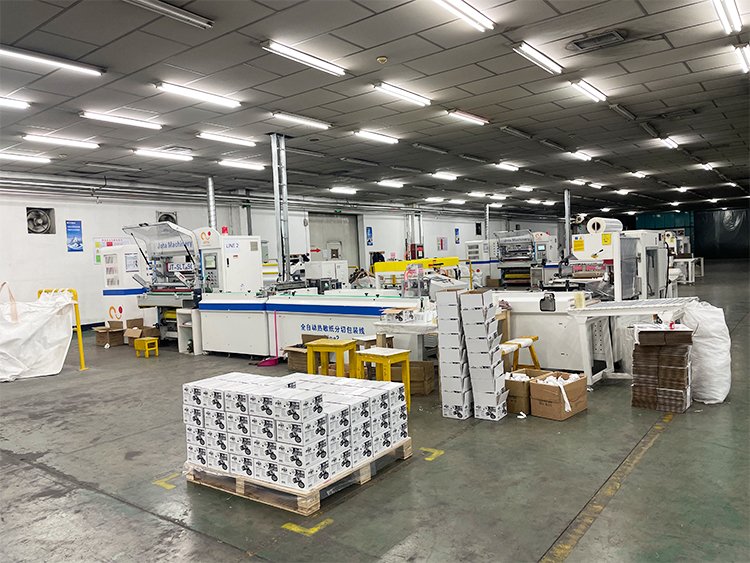
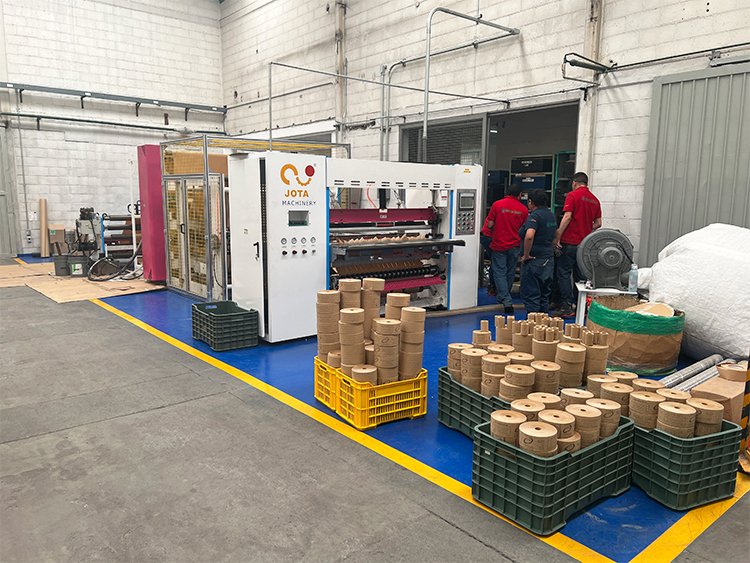

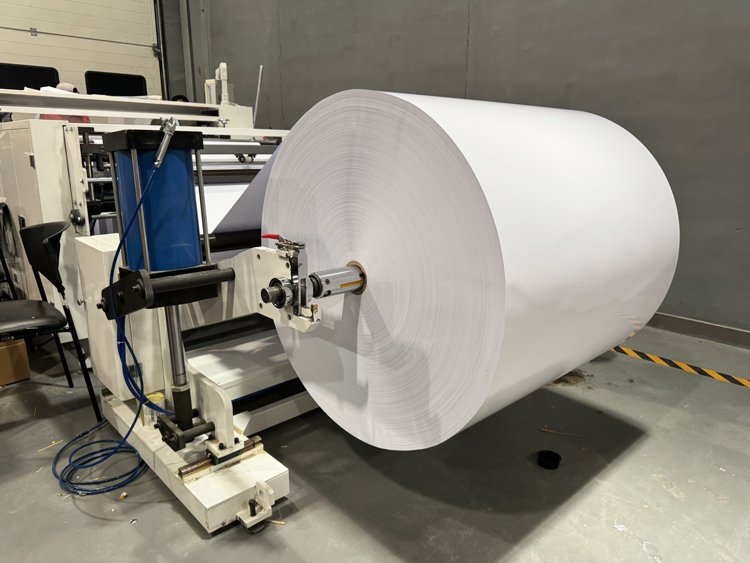

Thermal Paper Printing Slitting Line
- Support Printing And Slitting Synchronous
- Various Width Slitting Rewinding For You Choose
- Famous Brand Machine Parts
- Whole Life Service


45mm Thickness Machine Wall To Ensure The Running Quality
Professional Installation Team
Precision Produced From CNC Center
There Are Tight Connections Between Each Component
- Focus Factory
- Dear Customer
- Professional Team



Around 30-45 days, mainly depends on machine type.
Sure, it is our honor to work for you.
We will offer you some parts as backup, in case any part is broken within one year, we will sent you for free.
Addressing Poor Color Registration in Inline Flexo Printing and Slitting Machines
Color registration in flexo printing, particularly in inline applications with slitting, is a critical factor in ensuring high-quality prints. Misaligned colors not only compromise the aesthetic appeal of the product but can also lead to waste, increased production costs, and customer dissatisfaction. Poor registration is often a symptom of underlying issues with machine settings, material handling, or maintenance procedures. This article explores the key causes of poor color registration in flexo printing and slitting operations, providing practical solutions to improve accuracy and reduce defects.
1.Unstable Web Tension
Cause:
One of the most common causes of poor color registration is uneven web tension. When the tension is not controlled properly, the substrate can stretch or contract during the printing and slitting process, causing the printed images to shift. This misalignment of colors is particularly problematic in inline systems where both printing and slitting occur simultaneously.
Solution:
To ensure consistent and stable web tension:
- Use Automatic Tension Control Systems: These systems adjust tension in real-time based on feedback from sensors, helping to maintain uniform tension throughout the process.
- Calibrate Tension Sensors: Regular calibration of tension sensors is essential for accurate measurements. Check for any discrepancies in tension between the unwind, print, and rewind stations.
- Monitor Tension at Key Points: Ensure that the tension is set correctly at both the unwind and rewind stations. Proper tension balance prevents unnecessary stretching or slack in the web.

2.Misalignment of Printing Plates
Cause:
In flexo printing, proper plate alignment is crucial for accurate color registration. Any misalignment of the printing plates—whether due to improper mounting or slight inaccuracies during plate changes—can lead to misregistered colors. Even small discrepancies can result in visible color shifts, which is especially noticeable in high-quality prints.
Solution:
To avoid misalignment:
- Ensure Proper Plate Mounting: Always follow the manufacturer’s instructions when mounting the plates. Use alignment tools to check that the plates are perfectly parallel and centered on the cylinder.
- Use Precise Registration Marks: Many flexo machines come with a system of registration marks. Use these marks to verify plate alignment before starting production.
- Regularly Inspect Plate Mounting: Over time, the adhesive on plates may weaken, leading to shifts. Regularly inspect and replace any worn-out adhesives to maintain correct plate positioning.
3.Anilox Roller Inconsistency
Cause:
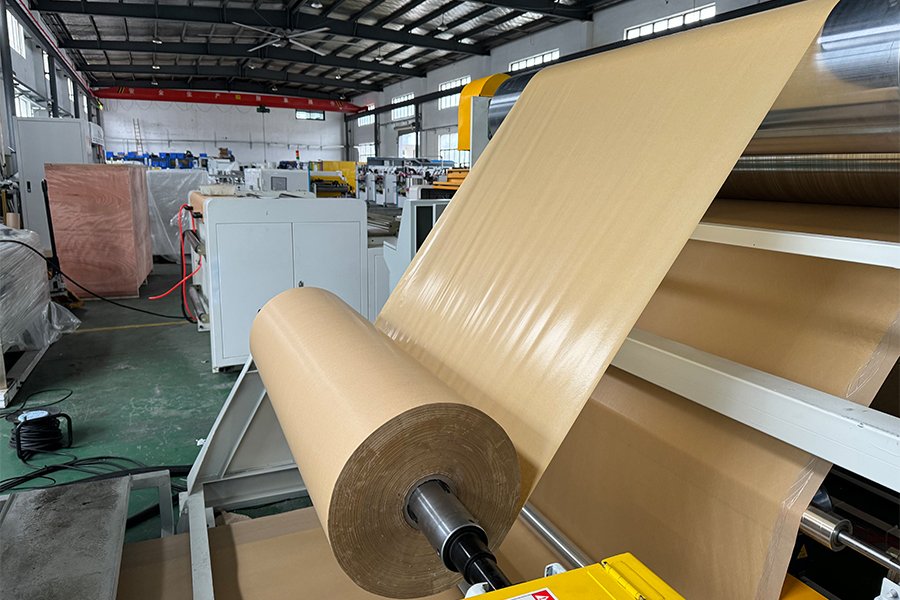
The anilox roller is responsible for transferring ink to the printing plate, and its performance is critical for consistent color application. If the anilox roller’s cells are worn, damaged, or incorrectly chosen for the type of ink used, it can lead to uneven ink transfer. This can result in variations in color density across the print, contributing to poor registration.
Solution:
To ensure optimal anilox roller performance:
- Choose the Correct Anilox Roller: Ensure that the roller’s cell count (measured in cells per inch) and volume are appropriate for the ink viscosity and substrate.
- Inspect for Wear: Regularly check the anilox roller for signs of wear, especially the cell structure. Worn-out rollers should be replaced or re-coated to restore performance.
- Clean the Anilox Roller Regularly: Build-up of ink residue can clog the roller’s cells, leading to inconsistent ink application. Use proper cleaning techniques to maintain optimal ink transfer.
4.Incorrect Plate Cylinder Pressure
Cause:
The pressure between the printing plate and the substrate plays a crucial role in ensuring that ink is evenly transferred to the material. If the pressure is set too high or too low, it can cause distortion in the printing plate, resulting in color misalignment.
Solution:
To maintain proper cylinder pressure:
- Adjust Pressure According to Material and Ink: Consult with the machine’s manual to determine the recommended pressure settings based on the substrate and ink type.
- Ensure Uniform Pressure: The pressure applied across the entire printing plate should be uniform. Uneven pressure can distort the print and cause registration problems.
- Monitor Plate Condition: Over time, plate cylinders may wear unevenly. Regularly inspect plate cylinders for wear and replace them if needed to maintain consistent printing pressure.

5.Substrate Instability
Cause:
Any instability in the movement of the substrate—such as web slippage, misalignment, or buckling—can cause misalignment of the printed image. These issues often arise due to improper tension, poor material handling, or an unstable web path.
Solution:
To stabilize the substrate:
- Ensure Proper Material Gripping: Use high-quality feed and rewind rollers that securely grip the substrate and prevent any slipping during printing and slitting.
- Check for Web Path Alignment: Ensure that the web path is smooth and free of any misaligned rollers or obstacles that might cause the material to shift.
- Use Edge Guides: Install edge guides to keep the substrate aligned throughout the printing and slitting process.
6.Speed Variations and Synchronization Issues
Cause:
In inline flexo printing systems with slitting, speed synchronization between the printing section and the slitting section is critical. Any variation in the speed of these sections can lead to a mismatch in the printed image and a loss of color registration.
Solution:
To resolve speed synchronization issues:
- Synchronize the Printing and Slitting Sections: Ensure that the speeds of both the printing and slitting sections are synchronized. Modern machines often have automatic controls to maintain this synchronization.
- Test and Adjust Speed Settings: Run test prints at different speeds to identify any discrepancies in speed synchronization and adjust settings accordingly.
7.Ink Viscosity Issues
Cause:
Ink viscosity plays a significant role in the ink transfer process. If the ink viscosity is too high or too low, it can affect how the ink adheres to the printing plate and is transferred to the substrate. This can lead to inconsistent color application and misregistration.
Solution:
To ensure optimal ink viscosity:
- Measure and Adjust Viscosity Regularly: Use a viscometer to monitor the viscosity of your ink. Ensure that the viscosity is within the manufacturer’s recommended range for the substrate and machine settings.
- Adjust Ink Formulation: If environmental factors (e.g., temperature) cause viscosity to fluctuate, adjust the ink formulation or use a temperature-controlled environment to maintain consistency.
- Use the Right Ink for the Job: Choose inks specifically designed for flexo printing. Inks that are too thick or too thin will not perform well, leading to registration issues.
8.Environmental Conditions
Cause:
Temperature, humidity, and static electricity can all impact the printing process. High humidity can cause the substrate to expand, while low humidity can lead to static issues. These fluctuations can contribute to color misregistration and poor print quality.
Solution:
To manage environmental conditions:
- Control Temperature and Humidity: Maintain a stable printing environment with controlled temperature and humidity levels to prevent material expansion or shrinkage.
- Use Anti-Static Devices: If you are printing on plastic films or other static-prone materials, use anti-static bars or equipment to reduce static buildup, which can cause the web to shift or wrinkle.
9.Plate Mounting Issues
Cause:
Improper mounting of the flexo plates can cause them to be positioned incorrectly on the printing cylinder, leading to misaligned prints. If the plate isn’t mounted correctly, colors won’t register properly, even if the other factors are optimized.
Solution:
To ensure proper plate mounting:
- Verify Plate Alignment: Always check the plate alignment before beginning production. Use tools like alignment lasers or visual aids to verify the position.
- Check Plate Mounting Adhesives: Make sure that the adhesive used for mounting the plate is of the right type and applied correctly. Worn or improperly applied adhesive can cause the plate to shift.
10.Plate Wear and Damage
Cause:
Over time, flexo printing plates can wear down or become damaged. When this happens, they no longer provide the sharp, precise image transfer needed for good registration. Worn plates can cause ink to be unevenly applied, leading to misregistration.
Solution:
To prevent plate wear:
- Monitor Plate Condition: Regularly check for wear or damage to plates. Replace worn plates promptly to ensure high-quality prints.
- Clean Plates Properly: Avoid damaging the plates by cleaning them according to manufacturer instructions. Use appropriate cleaning solutions and avoid abrasive materials that could degrade the plate surface.

Conclusion
Achieving accurate color registration in inline flexo printing and slitting machines requires careful attention to multiple factors, from web tension control and plate alignment to environmental conditions and ink viscosity. By addressing the common causes of poor registration and implementing the solutions provided in this article, you can ensure consistent, high-quality prints and reduce downtime and waste.
Regular machine maintenance, operator training, and process adjustments are key to achieving optimal color registration and producing flawless printed materials.
